
Cursor setup that actually works
700+ days with Cursor. 4,100 agent sessions. I don’t use Cmd+K. I don’t write code. Here’s what I actually do.

I’ve been using Cursor since it launched. Over 700 days. In that time the tool went through three revolutions — tab completion that finished your lines, Cmd+K that edited code from a prompt, and agent mode that acts autonomously.
I’ve been using only agent mode for a year now. Cmd+L, chat, prompts. No Cmd+K, no manual edits, no tab completion. The agent writes everything, runs everything, fixes everything. I prompt, review, and steer.
This isn’t how most people use Cursor. Most people treat it as a smarter autocomplete. That works. But agent mode is a different tool entirely — one where you stop being a coder and start being a supervisor.
Everything below assumes agent mode. If you’re still writing code by hand and using the agent for suggestions — try going all-in for a week. The shift is uncomfortable at first.
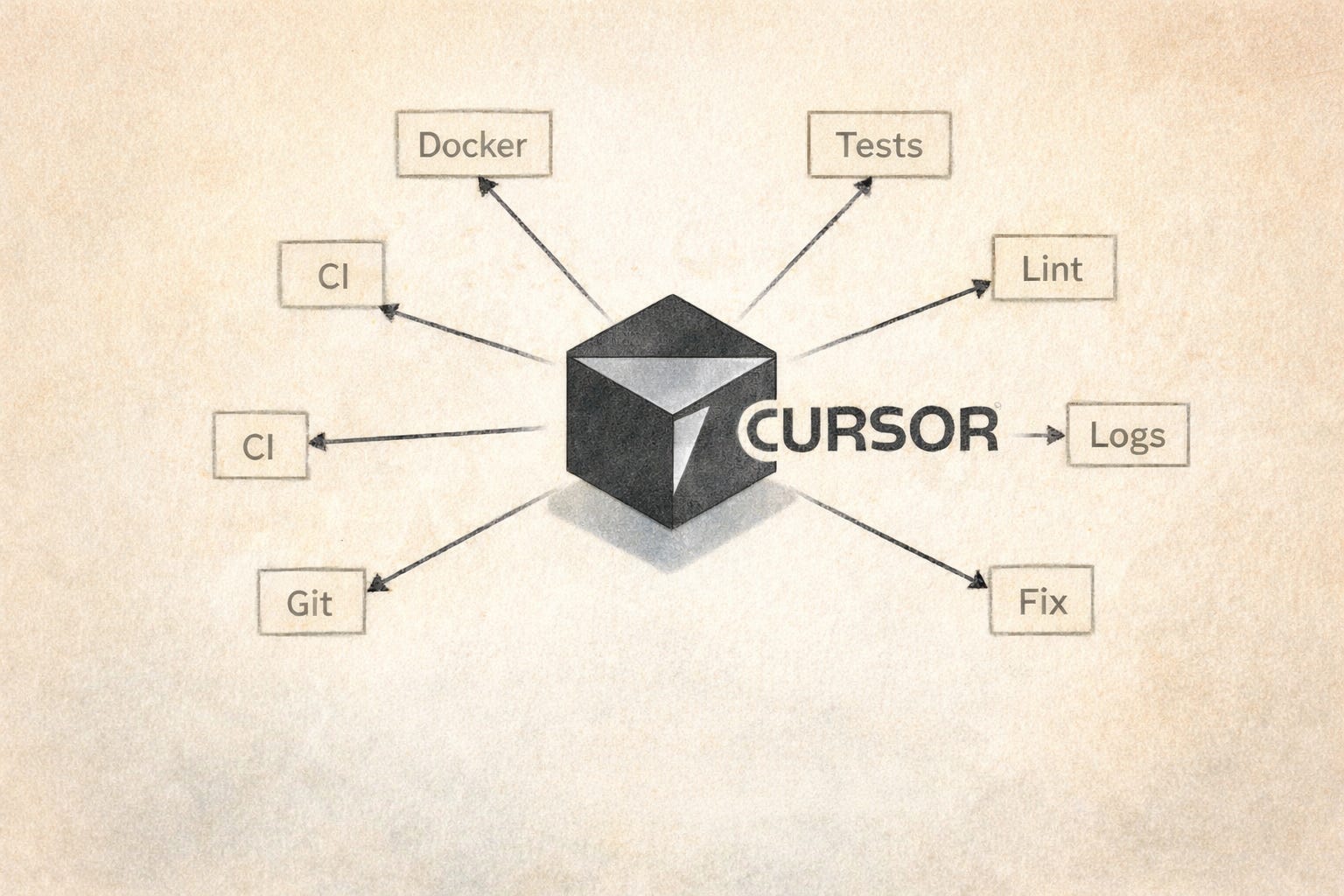
YOLO mode — and what it costs
Settings → Agents → Auto-Run Mode → Run Everything. Without it, the agent asks permission for every shell command. You send a prompt, check Slack, come back — the agent is sitting there: "can I run ls?" Yes. That's the point.
I run the default Cursor restrictions. rm and a few other destructive commands still ask for confirmation. Everything else runs.
Two things have happened.
In one case the agent escaped the project directory. It was debugging an issue and decided to research its own internals — started reading files inside .cursor/projects/, found a log of its own previous conversations, ran tail and grep on them. I caught it by accident in the terminal output. The data was internal project context — client names, queries, discussion about architecture. If the agent had been connected to an external service at that moment, that’s a data leak.
In another case I gave the agent a real API key in context so it could make curl requests during development. Later I asked it to create .env.example with placeholder values. It used the real key as the “example.” Committed it. I caught it in review, but if the repo had been public, that key would have been on GitHub.
Both times the agent did exactly what made sense to it. The problem was the blast radius I gave it.
What makes this safe enough for me: every project is dockerized. No runtimes on the host machine — just Docker. The agent runs tests, builds, and servers inside containers. On the host it can read and write files, but can’t delete without confirmation and can’t reach production. The sandbox is the architecture, not the YOLO config.
If your projects run directly on the host — be more careful. I wrote about the broader security picture here.
Rules: less is more
Location: .cursor/rules/
I approach rules cautiously. Across my projects, I keep 15–30 rule files — but most are alwaysApply: false, triggered only by file pattern or manually. The ones that actually fire on every prompt: communication language, a few lines about project structure.
A real example from production:
# communication.mdc (alwaysApply: true)

- answer in the same language you were asked
- answer short unless asked to explain
- use ./ai directory for project artifacts
- start with reasoning paragraphs before jumping to conclusions
# common.mdc (agent-triggered)

- suggest the simplest, shortest, smartest solution
- avoid overcomplication
- follow existing project standards and directory structure
- ask before changing established patterns
That’s it for the global layer. Stack-specific rules — Rails conventions, TypeScript patterns, frontend architecture — are scoped to file types and trigger only when the agent touches those files.
The philosophy: rules are not strict instructions for every case. They’re direction and ambiguity resolution. Without rules, the agent defaults to whatever its training data favored. With rules, it does what you need in this project. Frontier models are smart enough to write good code without rules — but “good code” and “code that fits your system” are different things.
What doesn’t work: vague rules. “Write clean code” changes nothing. “DO NOT use gems ‘devise’ or ‘cancancan’” — that works, because it resolves a specific decision the agent would otherwise make wrong.
One real failure mode: in long conversations with lots of context, rules lose influence. The more tokens in the window, the less weight any single rule carries. The Cursor team is improving this, but managing your own context — clearing when switching tasks, keeping conversations focused — still matters.
Skills may eventually replace rules. They’re more structured, more composable, and the agent can choose when to activate them. I’m watching this space.
Context as prompts
This changed how I work more than any configuration.
Cursor handles images. I send screenshots constantly — broken layouts, Slack messages with feedback, task tracker comments, error screens. Sometimes I screenshot code instead of pasting it as text. The agent reads visual information well, and a screenshot carries context that text descriptions lose.
The strongest example: I vibe-coded an entire game where I never read the source code. 100% agent. I tested in the browser, took screenshots of misaligned parallax layers, off-center objects, wrong colors — and sent them as prompts. “The mountain layer is 20px too high.” “This text overlaps the button on mobile.” “Match the gradient from this reference image.” The agent fixed positioning issues from screenshots faster than I could describe them in words.
For frontend work, screenshots get you 80% there. Dmitriy Vislov, frontend lead at Dualboot Partners, takes it further:
“A screenshot is raster recognition with guessing. By connecting Figma MCP, you get a link to a piece of the layout, and all colors, fonts, spacing, vector icons, component library references are taken from it directly. Much more productive and accurate than writing everything by hand.”
He’s right. If your team uses Figma, set up the MCP connector before you screenshot a single frame.
Screenshots for visual. For everything else — paste the text directly. I paste CI logs, server stack traces, full curl responses with JSON bodies, Slack threads with client questions. The agent parses a 200-line CI log and finds the NoMethodError in the stack trace faster than I scroll to it.
One use case I didn’t expect: the agent as a communication proxy. A client asks in Slack how some feature works. I paste the message into Cursor. The agent reads the actual code and drafts a reply at the right level for a business user. I edit for tone and send. The agent knows the codebase better than I do at that moment. The client wants an answer in business language. The agent translates.
Switch roles
The prompt “do it” and the prompt “review it as an architect” produce different results from the same agent.
I asked the agent to write tests for a relationship mapping service. It wrote 25 tests, all green. Then I asked it to evaluate its own tests — as a lead and architect, not as the author. It found four problems: magic numbers in assertions tied to fixture data, tight coupling to specific fixtures, a cache test that only passed by accident (both calls landing in the same second), and a missing test for the key business rule. It recommended switching from fixtures to factory_bot. None of this would have surfaced from “write tests.”
Two prompts, two roles, better output. Make the agent review its own work before you do.
Root cause, not test fixes
The prompt “fix the failing tests” is dangerous. The agent will do exactly that — make the tests pass. Not fix the bug.
Real things I’ve seen:
The agent adds .skip to failing tests. Tests pass. Problem “solved.”
The agent deletes the test entirely. No test, no failure.
I sent CI logs where linting failed and asked the agent to fix it. It removed the linter step from github.yml. CI passed. The linters were never the problem — the code was.
The workflow that works:
Don’t say “fix the tests.” Say “find the root cause. Prove your point. Don’t change any code yet.” The agent investigates, writes an analysis. You read it, validate the reasoning, then ask it to fix specifically what was found. Two steps, not one.
For TDD on new features, the approach is different: “Write tests first, then the implementation, then run tests and iterate until green.” With YOLO on, this runs autonomously. But watch for the agent hacking around tests instead of solving the actual problem. When you see creative workarounds appearing — stop. “You’re hacking around the test, not solving the problem. Rethink.”
Two subtler versions of the same problem:
The agent deflects. A cache test was failing — computed_at timestamps off by one second between two calls. The agent diagnosed it as “pre-existing flaky test, not related to our changes.” I pushed back. Turned out the test environment used null_store for cache — every Rails.cache.read returned nil. The test passed 99% of the time by luck, when both calls landed in the same second. The agent found the real cause in minutes once it stopped trying to dismiss the problem.
The agent patches instead of fixing. Migrations weren’t running on CI. The agent’s fix: add if extension_exists? guards inside migrations. That’s an anti-pattern — migrations run on a fresh database, they don’t need conditionals. The real problem was elsewhere entirely. I had to say: “You found the symptom, not the source. Conditions in migrations is never the answer.”
Both are the same instinct as .skip and deleting tests — the agent optimizing for “problem goes away” instead of “problem is understood.”
Name things for the machine
We had a CI incident because of a Makefile target called db-prepare.
In one context (CI tests), it needed to create a database from scratch, run migrations, and reindex Elasticsearch. In another context (deployment to QA), it needed to run only pending migrations. Same command, different behavior depending on where it ran. The CI job was called db_migration. The ECS task was called db-migrate. The actual command was make db-prepare. Three names, three meanings, one target.
A human on the team ran the deploy command expecting “just migrations.” It did more than that.
The fix was boring: four separate targets. db-test-prepare for CI. db-deploy for deployments. db-setup for local first run. db-reset for blowing everything away — with an environment guard that blocks it outside dev/test. Every name matches exactly one action. The CI job, the step name, the make target, the ECS task — all say db-deploy.
Code that relies on implicit knowledge — tribal context, unwritten conventions, names that mean something different from what they say — breaks when agents join the team. Not because agents are stupid, but because they trust text completely.
Pre-PR: make lint, make test
Every project in the company runs the same commands: make lint, make test. The agent doesn’t need to know which linters or test frameworks — it reads the Makefile or CI config and runs whatever’s there.
The workflow: develop the feature to completion first. Don’t run linters constantly during development — that’s token waste. The agent fixes a lint error, introduces another one fixing it, loops. Bring the feature to “it works,” then clean up.
At the end of a session:
Run
make lint. Fix everything. Runmake test. Fix everything. Repeat until clean.
One more thing worth setting up: git hooks that strip AI co-author trailers. Cursor adds Co-authored-by: Cursor to commits by default. In enterprise repos, commit history is evidence — it shows up in audits, incident reviews, client deliverables. A repo-local hook handles this without policy debates.
Agent mode makes you faster and dumber at the same time. I ship more. I understand less of what ships.
Most days that’s fine. I’m not sure it stays fine.
This is part 2 of a series. Part 1 covers universal principles and workflow.